NordVPN for Windows: Download, Install, and Use the App
Learn how to download NordVPN for Windows, set it up, connect securely, and troubleshoot common issues.
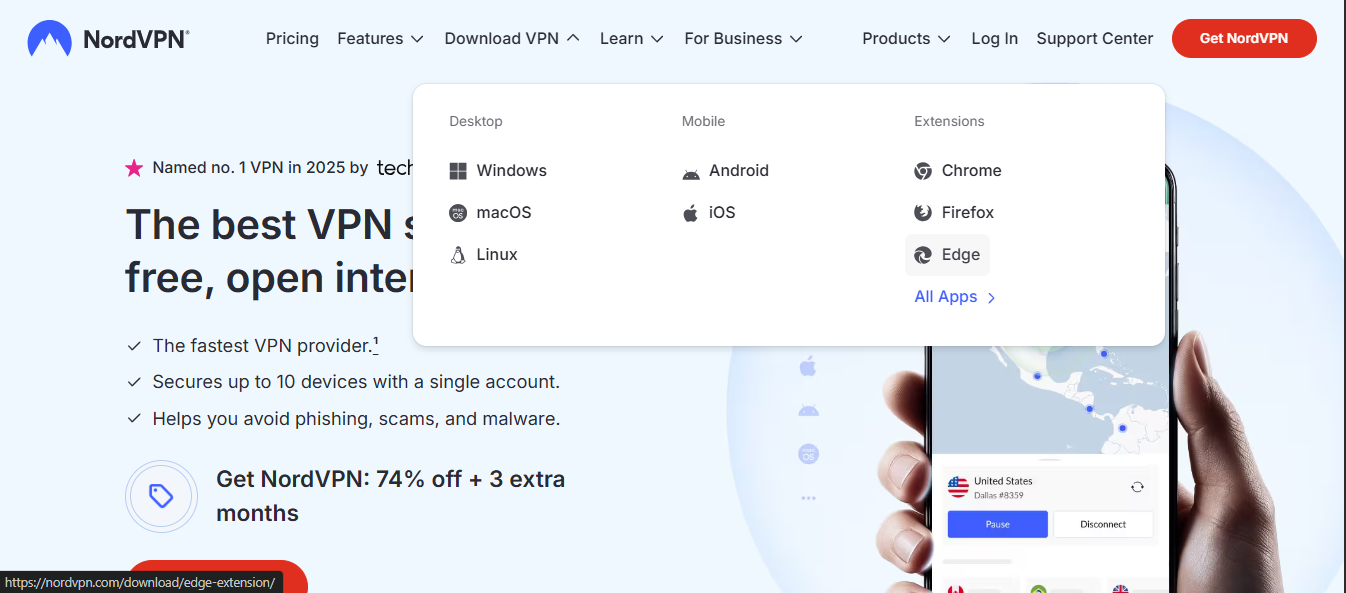
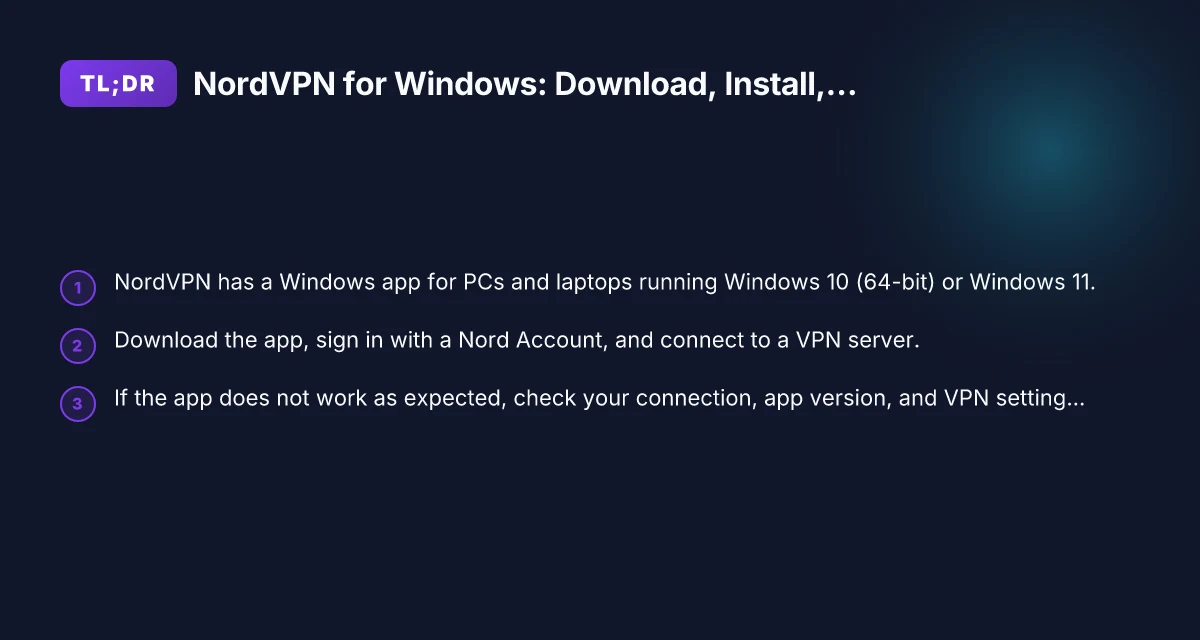
NordVPN for Windows is a desktop VPN app for securing your internet connection while browsing, streaming, or working. To get started, download the app from NordVPN’s official Windows download page, install it on a supported PC, and sign in with your Nord Account. You need Windows 10 (64-bit) or Windows 11 and an internet connection to download the app and log in.
Editor's pick: NordVPN — fast, secure VPN — Strong encryption, a no-logs policy and apps for every device. 30-day money-back guarantee. Get NordVPN →
| VPN | Obfuscation | From / month | Plan | Free plan | Refund | Alipay | UnionPay | Crypto | Website opens in China | Trustpilot | |
|---|---|---|---|---|---|---|---|---|---|---|---|
 NordVPN | Turn on manually Obfuscated Servers / NordWhisper | $3.49/mo | 27 months: $94.23 | No | 30 days | ? | ✗ | ✓ | ✓ | ✗ Blocked | 4.2/5 (51,628 reviews) |
 ZoogVPN | Turn on manually Shadow | $2.49/mo | 27 months: $59.99 | Yes | 7 days | ✓ | ✓ | ✓ | ✓ | Official site blocked; our special link opens (4.4 s) | 4.2/5 (195 reviews) |
 ExpressVPN | ✓ On by default all servers | $3.00/mo | 28 months: $84 | No | 30 days | ✗ | ✗ | ✓ | ✗ | ✗ Blocked | 4.4/5 (29,706 reviews) |
 Surfshark | ✓ On by default Camouflage, with OpenVPN | See site | See site | No | 30 days | ✗ | ✗ | ✗ | ✓ | ✗ Blocked | 4.3/5 (31,823 reviews) |
 Proton VPN | Turn on manually Stealth, free plan too | $2.99/mo | 12 months: $35.88 | Yes | 30 days | ✗ | ✗ | ✗ | ✓ | ✗ Blocked | 2.1/5 (1,040 reviews) |
 Astrill VPN | Turn on manually StealthVPN / OpenWeb | $12.50/mo | 24 months: $300 | No | See site | ✗ | ✗ | ✗ | ✓ | ✗ Blocked | 1.3/5 (110 reviews) |
 Private Internet Access | Turn on manually Shadowsocks, OpenVPN only | $2.03/mo | 40 months: $81.2 | No | 30 days | ✗ | ✗ | ✗ | ✗ | ✗ Blocked | 4.2/5 (11,033 reviews) |
 CyberGhost | Turn on manually selected servers | $2.19/mo | 28 months: $61.32 | No | 45 days | ✗ | ✗ | ✗ | ✓ | ✗ Blocked | 4.0/5 (24,178 reviews) |
 PureVPN | Turn on manually switch to OpenVPN | $1.69/mo | 60 months: $101.55 | No | 31 days | ? | ? | ✗ | ✓ | ✗ Blocked | 4.4/5 (17,994 reviews) |
 AdGuard VPN | ✓ On by default TrustTunnel | $2.99/mo | 24 months: $71.76 | Yes | 30 days | ✓ | ✗ | ✓ | ✓ | Official site blocked; our special link opens (3.7 s) | 4.3/5 (290 reviews) |
 Mullvad | Turn on manually QUIC / Shadowsocks / LWO | $5.61/mo | €5/mo | No | 14 days | ✗ | ✗ | ✗ | ✓ | ✗ Blocked | 3.2/5 (192 reviews) |
 Windscribe | Turn on manually Stealth / WStunnel | $5.75/mo | 12 months: $69 | Yes | See site | ✗ | ✗ | ✗ | ✓ | ✗ Blocked | 4.7/5 (13,355 reviews) |
 StrongVPN | Turn on manually Scramble, OpenVPN TCP | See site | See site | No | 30 days | ✓ | ✗ | ✗ | ✗ | ✗ Blocked | 4.4/5 (2,695 reviews) |
 LightXtreme 闪连 | Not listed | $7.08/mo | 12 months: $84.99 | Yes | 30 days | ✓ | ✓ | ✓ | ✓ | ✓ Yes (3.5 s) | No page |
Prices checked 2026-11-10 on each vendor's pricing page (cheapest long plan, USD). Check the vendor's checkout for the final price.
Obfuscation checked 2026-11-14 on each vendor's site and help center: "on by default" = nothing to set; "turn on manually" = switch protocol or mode in settings; "not listed" = the vendor describes no obfuscation.
Payment methods checked 2026-11-10 on each vendor's payment pages: all 14 take cards and PayPal; ✗ = not listed, ? = the vendor's own pages disagree.
China access: whether the official website opens from mainland China networks (tests the website only, not the VPN connection). Last checked 2026-11-18 01:02 Beijing time.
Trustpilot score and review count checked 2026-11-10.
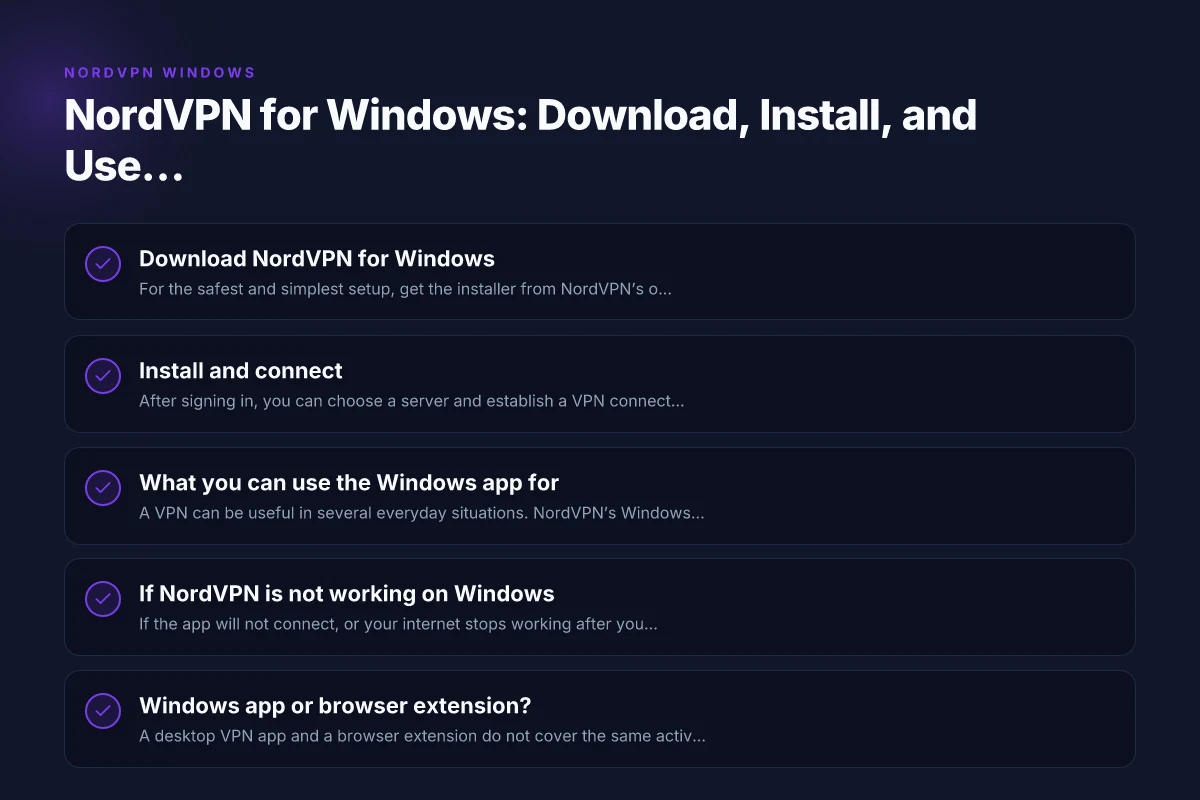
Download NordVPN for Windows
For the safest and simplest setup, get the installer from NordVPN’s official website rather than an unofficial download site. The official download page provides the Windows app and directs you through the installation process.
Before downloading, check that your device meets the basic requirements:
- A PC or laptop running Windows 10 (64-bit) or Windows 11.
- A working internet connection.
- A Nord Account to sign in. If you do not have one, you will need to create an account.
Once the installer has downloaded, open it and follow the on-screen instructions. When installation is complete, launch the app and log in.
Install and connect
After signing in, you can choose a server and establish a VPN connection. The app’s interface is designed to make connecting straightforward. You can select a location or use the app’s connection option to get started. Microsoft Edge Secure Network VPN Reviews: Is It Safe and Worth Using?
A typical setup looks like this:
- Open the NordVPN app.
- Sign in with your Nord Account.
- Choose a server location or use the available quick-connect option.
- Wait for the app to confirm that the VPN connection is active.
When connected, your internet traffic is routed through the VPN server, helping protect it from exposure on the network you are using. A VPN can also change the IP address websites see. It does not make you completely anonymous online, and it does not replace safe browsing habits or strong account security.
| Task | What to do |
|---|---|
| Get the app | Download it from NordVPN’s official Windows page |
| Install | Run the installer and follow its prompts |
| Sign in | Use your Nord Account |
| Connect | Select a server or use the app’s connection option |
| Check requirements | Use Windows 10 (64-bit) or Windows 11 |
What you can use the Windows app for
A VPN can be useful in several everyday situations. NordVPN’s Windows app is intended to help secure your connection across activities such as browsing, streaming, and work.
Common reasons to use it include: Nord VPN in China: Does It Work and How to Prepare
- Protecting traffic on shared networks: A VPN encrypts your connection between your device and the VPN server, which can add protection when you use public or shared Wi-Fi.
- Changing your visible IP address: Websites and services may see the VPN server’s IP address instead of your usual one.
- Adding privacy while browsing: A VPN can make it harder for others on the same local network to inspect your traffic, although it cannot prevent every form of tracking.
- Connecting while working remotely: It can provide an additional layer of security when you access the internet away from home.
Some services may restrict VPN connections or show different content depending on location. A VPN also cannot guarantee access to a particular streaming library or prevent a service from detecting and blocking VPN traffic.
If NordVPN is not working on Windows
If the app will not connect, or your internet stops working after you connect, start with basic checks before changing advanced settings.
Try these steps:
- Confirm that your internet works when the VPN is disconnected.
- Close and reopen the NordVPN app.
- Check that you are signed in to the correct Nord Account.
- Try a different server location.
- Restart your PC and attempt to connect again.
- Check that your Windows version meets the app’s requirements.
If NordVPN is not working on Windows 11, the issue may relate to the connection, the app, or local network settings. Update the app if an update is available, then test another server. If the problem continues, consult NordVPN’s Windows support instructions for current troubleshooting guidance. Does Microsoft Edge Have a VPN? What Edge Secure Network Does
If a website or streaming service blocks access while the VPN is on, disconnecting may restore access, though it means that session will no longer use the VPN. Services decide which connections they allow, and a VPN cannot guarantee that a particular platform will work.
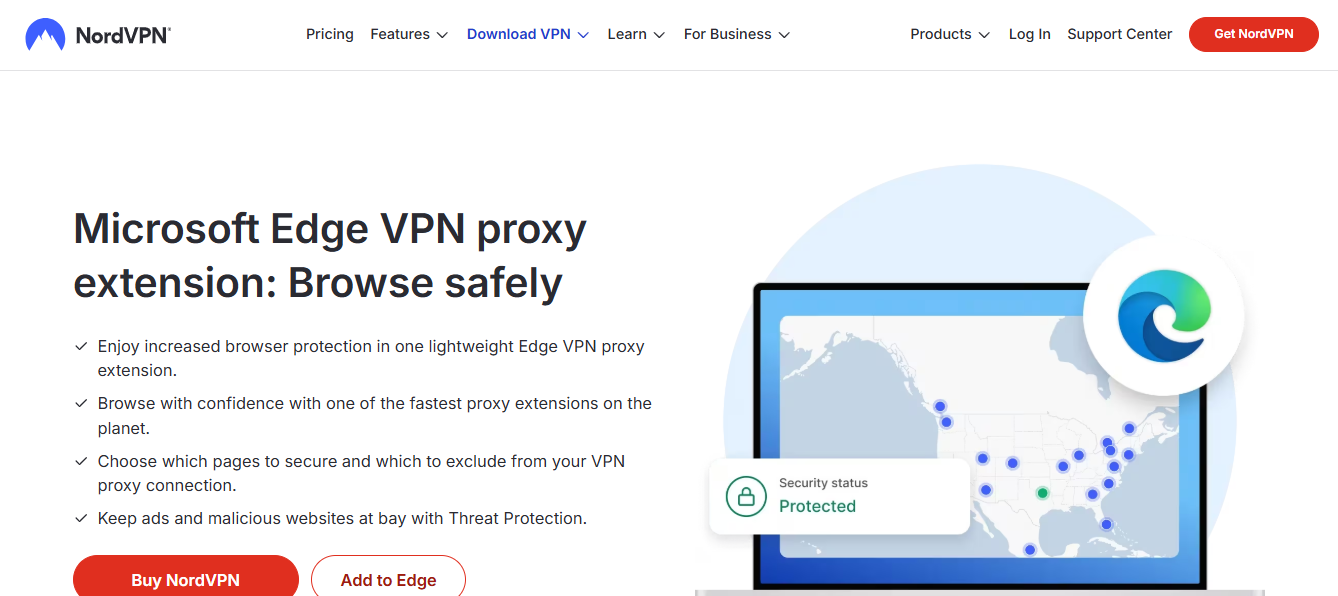
Windows app or browser extension?
A desktop VPN app and a browser extension do not cover the same activity. The Windows app is the more suitable choice when you want VPN protection for internet traffic from your PC, rather than only traffic within one browser.
| Option | Best suited to | Coverage |
|---|---|---|
| NordVPN Windows app | General use across a PC | Applies to the device’s internet connection when enabled |
| Browser extension | Use within a supported browser | Limited to browser activity covered by the extension |
The exact behavior can depend on the product settings and the apps you use. If you need protection beyond a single browser, use the Windows app and check its connection status before sensitive activity.
Recommendation
For most Windows users, the best starting point is the official NordVPN app: confirm that your PC runs Windows 10 (64-bit) or Windows 11, download the installer from NordVPN, then sign in and connect. If you run into trouble, test your internet connection without the VPN, try another server, and follow NordVPN’s support guidance before adjusting unfamiliar system settings. How to Enable VPN in Edge: Turn On Microsoft Edge Secure Network