Forticlientvpninstaller.exe: Download, Install, and Verify FortiClient VPN
Learn what forticlientvpninstaller.exe does, where to get it safely, and how to install FortiClient VPN on Windows.
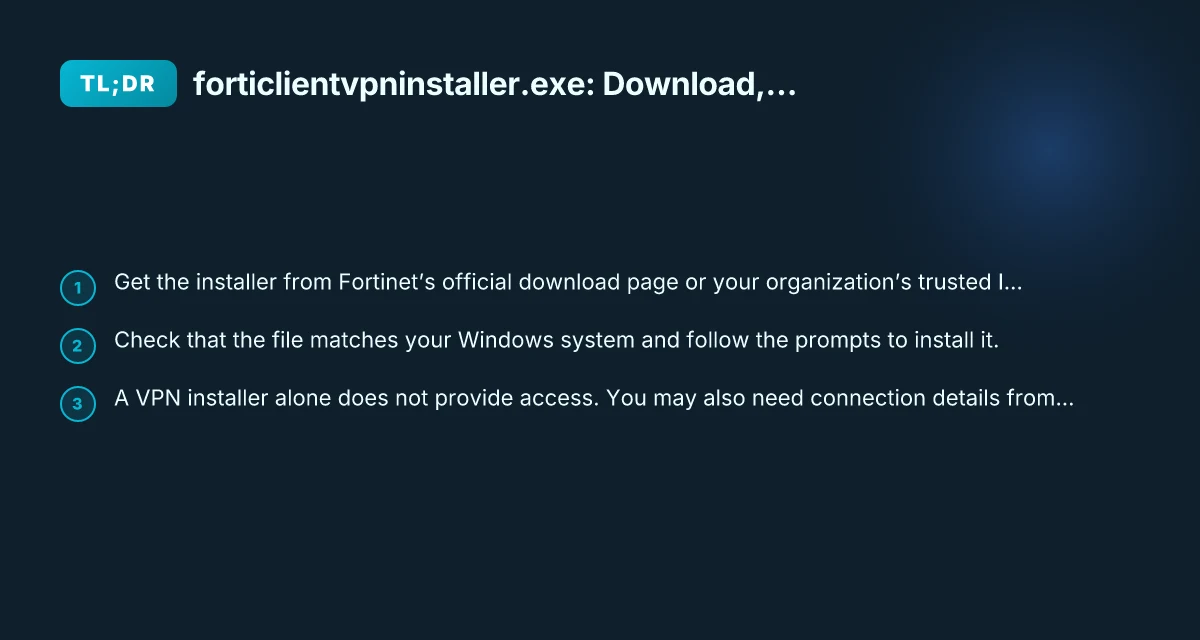
forticlientvpninstaller.exe is a Windows installer file associated with FortiClient VPN. To install it, download the appropriate FortiClient VPN installer from Fortinet’s official product downloads page or follow the link provided by your organization, then open the file and complete the setup prompts. Avoid unknown download sites: an EXE can install software or make changes to your computer, so its source matters.

Editor's pick: NordVPN — fast, secure VPN — Strong encryption, a no-logs policy and apps for every device. 30-day money-back guarantee. Get NordVPN →
Choose the right FortiClient VPN delivery option
| Option | Best for | What it provides | Main consideration |
|---|---|---|---|
| FortiClient VPN installer | Individual Windows users | VPN client installation | Use the official Fortinet source |
| FortiClient deployment package | Managed organizations | Centralized deployment | Usually requires administrator or IT support |
| Third-party download site | Not recommended | May offer an installer copy | Authenticity and safety may be uncertain |
| Existing FortiClient installation | Users updating or troubleshooting | A starting point for repair or update | Check the version and installation status |
| IT-provided installer | Employees or students | Organization-approved setup | Follow the organization’s instructions |
| Manual VPN configuration | Users with connection details | Connection setup using supplied settings | Requires correct VPN details |
| Unverified executable | Not recommended | Unknown | Do not run unless its source is confirmed |
Compiled November 2026; check the provider's site for current details.
| VPN | Obfuscation | From / month | Plan | Free plan | Refund | Alipay | UnionPay | Crypto | Website opens in China | Trustpilot | |
|---|---|---|---|---|---|---|---|---|---|---|---|
 ZoogVPN | Turn on manually Shadow | $2.49/mo | 27 months: $59.99 | Yes | 7 days | ✓ | ✓ | ✓ | ✓ | Official site blocked; our special link opens (4.4 s) | 4.2/5 (195 reviews) |
 NordVPN | Turn on manually Obfuscated Servers / NordWhisper | $3.49/mo | 27 months: $94.23 | No | 30 days | ? | ✗ | ✓ | ✓ | ✗ Blocked | 4.2/5 (51,628 reviews) |
 ExpressVPN | ✓ On by default all servers | $3.00/mo | 28 months: $84 | No | 30 days | ✗ | ✗ | ✓ | ✗ | ✗ Blocked | 4.4/5 (29,706 reviews) |
 Surfshark | ✓ On by default Camouflage, with OpenVPN | See site | See site | No | 30 days | ✗ | ✗ | ✗ | ✓ | ✗ Blocked | 4.3/5 (31,823 reviews) |
 Proton VPN | Turn on manually Stealth, free plan too | $2.99/mo | 12 months: $35.88 | Yes | 30 days | ✗ | ✗ | ✗ | ✓ | ✗ Blocked | 2.1/5 (1,040 reviews) |
 Astrill VPN | Turn on manually StealthVPN / OpenWeb | $12.50/mo | 24 months: $300 | No | See site | ✗ | ✗ | ✗ | ✓ | ✗ Blocked | 1.3/5 (110 reviews) |
 Private Internet Access | Turn on manually Shadowsocks, OpenVPN only | $2.03/mo | 40 months: $81.2 | No | 30 days | ✗ | ✗ | ✗ | ✗ | ✗ Blocked | 4.2/5 (11,033 reviews) |
 CyberGhost | Turn on manually selected servers | $2.19/mo | 28 months: $61.32 | No | 45 days | ✗ | ✗ | ✗ | ✓ | ✗ Blocked | 4.0/5 (24,178 reviews) |
 PureVPN | Turn on manually switch to OpenVPN | $1.69/mo | 60 months: $101.55 | No | 31 days | ? | ? | ✗ | ✓ | ✗ Blocked | 4.4/5 (17,994 reviews) |
 AdGuard VPN | ✓ On by default TrustTunnel | $2.99/mo | 24 months: $71.76 | Yes | 30 days | ✓ | ✗ | ✓ | ✓ | Official site blocked; our special link opens (3.7 s) | 4.3/5 (290 reviews) |
 Mullvad | Turn on manually QUIC / Shadowsocks / LWO | $5.61/mo | €5/mo | No | 14 days | ✗ | ✗ | ✗ | ✓ | ✗ Blocked | 3.2/5 (192 reviews) |
 Windscribe | Turn on manually Stealth / WStunnel | $5.75/mo | 12 months: $69 | Yes | See site | ✗ | ✗ | ✗ | ✓ | ✗ Blocked | 4.7/5 (13,355 reviews) |
 StrongVPN | Turn on manually Scramble, OpenVPN TCP | See site | See site | No | 30 days | ✓ | ✗ | ✗ | ✗ | ✗ Blocked | 4.4/5 (2,695 reviews) |
 LightXtreme 闪连 | Not listed | $7.08/mo | 12 months: $84.99 | Yes | 30 days | ✓ | ✓ | ✓ | ✓ | ✓ Yes (3.5 s) | No page |
Prices checked 2026-11-10 on each vendor's pricing page (cheapest long plan, USD). Check the vendor's checkout for the final price.
Obfuscation checked 2026-11-14 on each vendor's site and help center: "on by default" = nothing to set; "turn on manually" = switch protocol or mode in settings; "not listed" = the vendor describes no obfuscation.
Payment methods checked 2026-11-10 on each vendor's payment pages: all 14 take cards and PayPal; ✗ = not listed, ? = the vendor's own pages disagree.
China access: whether the official website opens from mainland China networks (tests the website only, not the VPN connection). Last checked 2026-11-18 01:02 Beijing time.
Trustpilot score and review count checked 2026-11-10.
What is forticlientvpninstaller.exe?
The .exe extension identifies a Windows executable file. A file named forticlientvpninstaller.exe is intended to start the installation of FortiClient VPN on Windows. FortiClient is Fortinet software that includes VPN capabilities. Some editions and deployments may also include additional security or management features.
The exact contents and behavior of an installer can vary. Fortinet’s documentation distinguishes between installer files and deployment packages, which can include custom modifications configured for an organization. If your employer, school, or IT team supplied a specific installer, use that version rather than substituting a general download.
The filename alone does not prove that a file is genuine. Other files can be given the same name, so verify where it came from before running it.
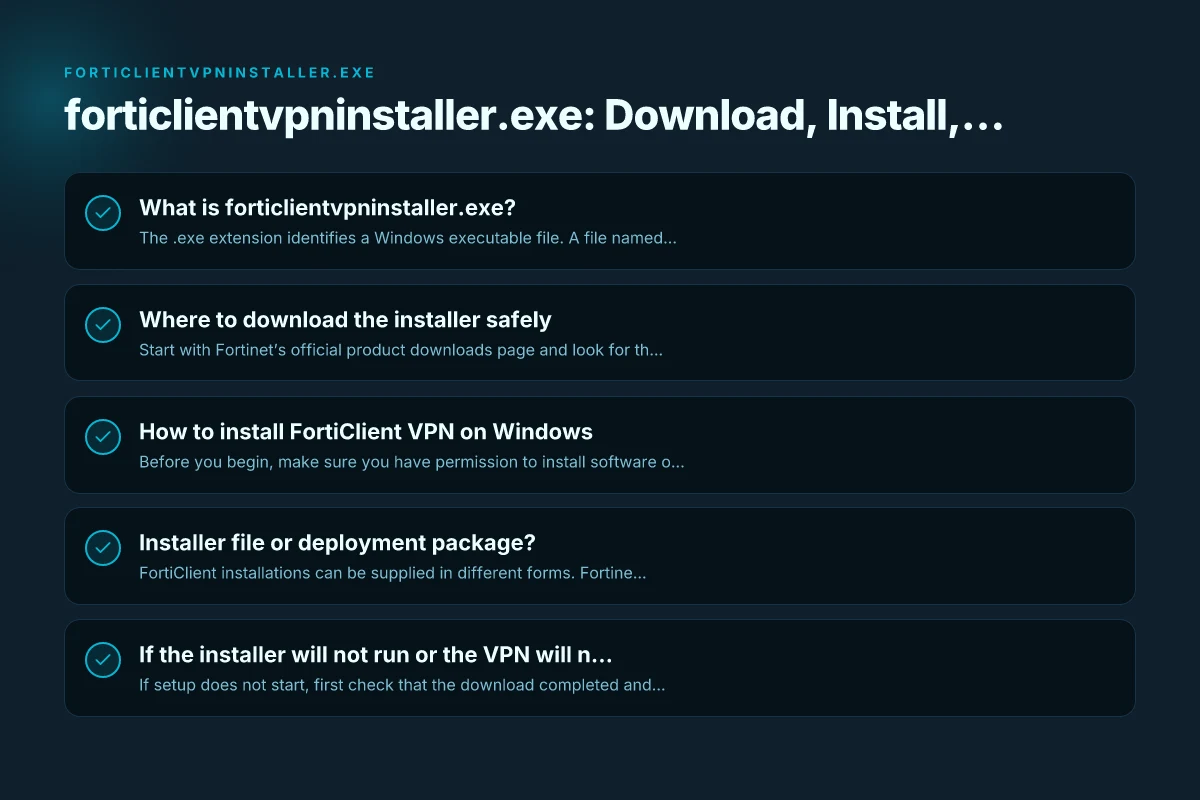
Where to download the installer safely
Start with Fortinet’s official product downloads page and look for the FortiClient VPN download that matches your operating system. The official page is also the route referenced by installation guidance for personal devices and vendors. VPN to Change Location Free: What Works and What to Check
If you are installing FortiClient for work or school, check your IT department’s instructions first. Your organization may provide a customized package, a specific version, or configuration details needed to connect.
Safer download checklist
- Use Fortinet’s official website or a download link provided by your organization.
- Confirm that the download is for Windows and is the appropriate installer for your system.
- Avoid links to file-sharing services, unfamiliar download portals, or unsolicited attachments.
- If you are unsure whether an installer is approved, ask your IT support team before opening it.
Search results may show software directories, third-party guides, or video tutorials. These can help explain the process, but they are not a substitute for checking the installer’s source. In particular, do not treat a familiar filename as proof of authenticity.
How to install FortiClient VPN on Windows
Before you begin, make sure you have permission to install software on the computer. If it is managed by an employer or school, follow its installation instructions. An administrator may need to approve or perform the setup.
- Download the installer from Fortinet or your organization’s approved source.
- Open the folder where the file was saved.
- Double-click
forticlientvpninstaller.exeto start setup. - If Windows displays a permission prompt, review the publisher and confirm that the file came from a trusted source before allowing it to continue.
- Follow the on-screen instructions. Review any options carefully, especially if your organization has provided specific setup guidance.
- When installation finishes, launch FortiClient VPN and enter the connection information supplied by your network administrator or service provider.
The installer puts the application on your computer. It does not necessarily configure your VPN connection automatically. You may still need a server address, sign-in credentials, a connection profile, or other organization-specific settings. How Can I Tell If a VPN Is Blocking My Internet?
Check the installer before and after setup
| Check | Before installation | After installation | If it does not pass |
|---|---|---|---|
| Download source | Confirm it is Fortinet or organization-provided | Keep the source information | Delete an untrusted copy |
| File name | Check for forticlientvpninstaller.exe | Confirm the expected app appears | Re-download from a trusted source |
| Windows prompt | Review the publisher shown | Confirm installation completes | Cancel if the publisher is unexpected |
| Permissions | Be ready to approve a legitimate prompt | Check whether setup needs administrator access | Ask IT if you lack permission |
| Installation result | Close unrelated setup tasks | Look for FortiClient VPN in Windows | Restart and try again |
| VPN profile | Obtain settings from your organization | Select the correct configured connection | Ask the VPN administrator to verify settings |
| Connection test | Confirm internet access | Try connecting and check access to required resources | Check credentials, network, and VPN settings |
Compiled November 2026; check the provider's site for current details.
Installer file or deployment package?
FortiClient installations can be supplied in different forms. Fortinet’s command-line documentation describes an .exe installer and notes that an installer may include custom modifications when created as a deployment package. That distinction is useful when deciding whether to use a general download or a package from IT.
| Option | Best suited to | What to check |
|---|---|---|
| Fortinet’s general FortiClient VPN download | A personal Windows device that needs VPN access | Confirm it is the VPN download intended for your system |
| Organization-provided installer or package | A work or school computer, or a device that needs managed settings | Follow IT’s instructions and use the supplied version |
| Installer from an unfamiliar third-party source | Not recommended unless your IT team has approved it | Verify the source before downloading or running anything |
Do not assume that every FortiClient installer provides the same features or configuration. If you need only VPN access, choose the VPN option indicated by Fortinet or your organization. NordVPN for Windows: Download, Install, and Use the App
If the installer will not run or the VPN will not connect
If setup does not start, first check that the download completed and came from a trusted source. If the file was provided by your organization, contact its support team rather than replacing it with a different package.
If FortiClient installs but cannot connect, the problem may be unrelated to the installer. Check that you have the correct connection profile and sign-in details, and confirm that your organization permits access from your device. For a managed connection, IT support can verify the required settings.
When troubleshooting:
- Read any error message carefully and note when it appears.
- Do not disable security protections just to force an unknown installer to run.
- Avoid downloading tools such as removal utilities from unofficial sites.
- Ask your administrator before uninstalling or replacing a managed FortiClient installation.
Troubleshoot installation and connection problems Microsoft Edge Secure Network VPN Reviews: Is It Safe and Worth Using?
| Problem | First check | Useful next step | When to contact IT |
|---|---|---|---|
| Installer will not open | Confirm the file came from a trusted source | Re-download and try again | If Windows blocks an approved installer |
| Windows requests permission | Check the publisher and source | Approve only if you trust them | If administrator access is unavailable |
| Setup appears incomplete | Check whether FortiClient VPN is installed | Restart Windows and retry setup | If installation still fails |
| VPN profile is missing | Check the organization’s setup instructions | Request the required connection details | If no profile was supplied |
| Login is rejected | Recheck username and credentials | Confirm the account is permitted to use VPN | If credentials are correct but rejected |
| VPN does not connect | Check internet access and selected profile | Retry using the organization’s instructions | If the connection continues to fail |
| Connection succeeds but resources do not load | Confirm the resource should be available over VPN | Reconnect and check the required address | If access remains unavailable |
Compiled November 2026; check the provider's site for current details.
Recommendation
Download forticlientvpninstaller.exe only from Fortinet’s official download page or a source approved by your organization. Use the version and setup instructions that match your device and network, and contact IT if you are unsure which installer or connection settings you need.